Fire TV Stick, Stick 4K, 4K Max, Lite or Cube, connected to your TV.
How to install IPTV Smarters Pro on Firestick
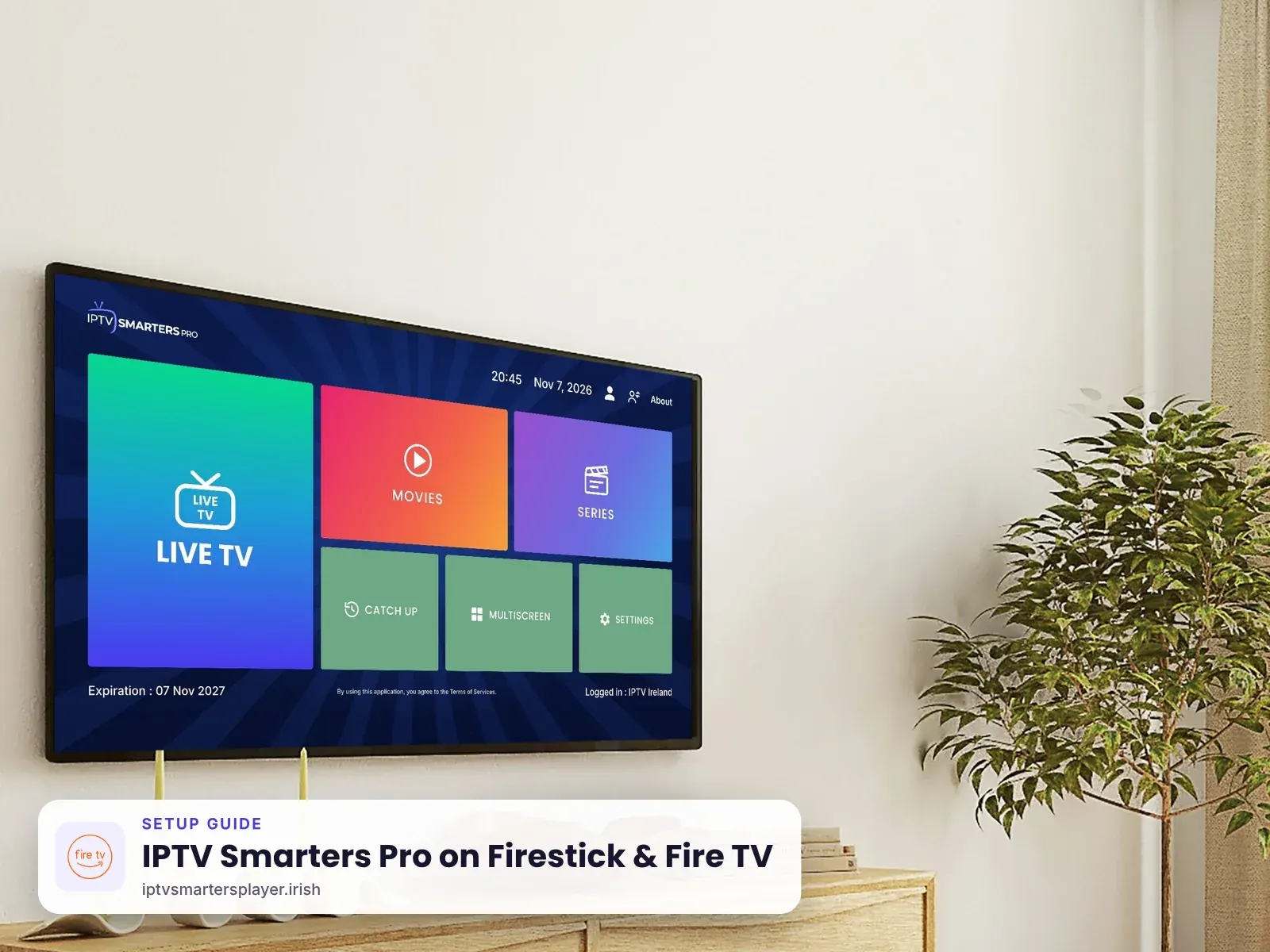
Step-by-step IPTV Smarters Pro Firestick guide for Ireland. Works on every Fire TV Stick, Fire TV Stick 4K Max, Fire TV Cube and Fire TV smart TV. Takes about 8 minutes.
Before you start
What you need
10 Mbps for HD, 25 Mbps or more for 4K. 5 GHz Wi-Fi or a cable works best.
Free in the Amazon Appstore. It installs IPTV Smarters Pro.
From your plan or a free 24-hour trial.
Part 1
Turn on Developer options
Fire TV only installs apps from outside the Appstore once this is on.
Open Settings
From the Fire TV home screen go to the gear icon, then My Fire TV.
Settings›My Fire TV›Developer optionsShow Developer options
If you do not see Developer options, open About and click your Fire TV name seven times until it says you are a developer.
Allow the Downloader app
Open Developer options, then Install unknown apps, and switch Downloader to ON. On older models turn on Apps from Unknown Sources.
Downloader
Part 2
Install the Downloader app
Downloader is a free Amazon app that opens a web link and installs the file.
Search for Downloader
Go back to the home screen, choose Find, then Search, and type Downloader.
Find›Search›DownloaderInstall it
Select the orange Downloader app by AFTVnews and choose Download or Get.
Allow access
Open Downloader and select Allow when it asks for permission to access files.
Part 3
Install IPTV Smarters Pro
The official APK is on the developer's download page. Downloader code 4622618 opens the official file directly.
Enter the download link
In Downloader, select the address box, type the code 4622618 and choose Go. The official APK starts downloading.
URL4622618Install the app
When the file finishes downloading, choose Install, then Done.
Free up space
Downloader offers to delete the install file. Choose Delete twice. The app stays installed.
Part 4
Log in and watch
Your channels, movies and series load in a minute or two.
Open IPTV Smarters Pro
Find it under Your Apps & Channels and accept the terms of use.
Add your login
Choose Login with Xtream Codes API. Enter any name (for example IPTV Ireland), then the username, password and server URL we send you.
Any nameIPTV IrelandUsernamesent by usPassword••••••••Server URLhttp://… sent by usStart watching
Select Add User. When the playlist loads, open Live TV, Movies or Series.
Part 5
Put the app on your home screen
Optional, but it saves time every evening.
Open your apps
Hold the Home button on the remote and choose Apps.
Move it to the front
Highlight IPTV Smarters Pro, press the menu button (three lines) and choose Move to front.
Tips
Get the best picture on Firestick & Fire TV
Use 5 GHz Wi-Fi or a cable
An Ethernet adapter for Firestick gives the steadiest 4K picture during busy evening matches.
Clear the cache weekly
Settings > Applications > Manage installed applications > IPTV Smarters Pro > Clear cache.
Restart now and then
Unplug the Firestick for 30 seconds once a week to keep it quick.
Keep Fire OS updated
Settings > My Fire TV > About > Check for updates.
Try another player
In Smarters settings, switch the player if a channel stutters.
Remote too slow for typing?
Use the Fire TV app on your phone as a keyboard.
Quick fixes
Problems on Firestick & Fire TV? Try these
Developer options missing
Open About and click your Fire TV name seven times. The menu then appears under My Fire TV.
"App not installed"
Check Install unknown apps is ON for Downloader, then try the download link again.
Downloader will not open the code
Check you typed 4622618 with no space. If it still fails, type getiptvsmarters.com/download and choose Download under Android TV, or message us.
App closes or freezes
Clear the cache, restart the Firestick and open the app again.
Still stuck? Send us a photo of your screen on WhatsApp and we fix it with you, day or night.
FAQ
IPTV Smarters Pro on Firestick & Fire TV: questions
Can I get IPTV Smarters Pro on Firestick in Ireland?
Yes. It installs on every Fire TV Stick and Fire TV Cube using the free Downloader app. The whole setup takes about 8 minutes.
Is IPTV Smarters Pro in the Amazon Appstore?
No. It is installed from the developer's official APK with the Downloader app, code 4622618, as shown in Part 3.
Is it safe to turn on unknown apps?
Yes, when you only install the official IPTV Smarters Pro file. You can switch the setting off again after installing.
Does IPTV Smarters Pro work on Fire TV Stick Lite?
Yes. It works on Lite, 4K, 4K Max and Cube. 4K channels need a 4K model and a 4K TV.
Can I use one login on two Firesticks?
No. One login works on one device. For two Firesticks you need two logins.
Other devices
More IPTV Smarters Pro setup guides
 Samsung & LG Smart TV
 Android & TV boxes
 iPhone, iPad & Apple TV
 Roku TV & Stick
 Windows & Mac
No login yet? Start with a free trial
Up to 24 hours on Firestick & Fire TV, login on WhatsApp in minutes, and free setup help.