Roku TV, Roku Streaming Stick or Roku Express.
IPTV Smarters Player on Roku: side-load guide
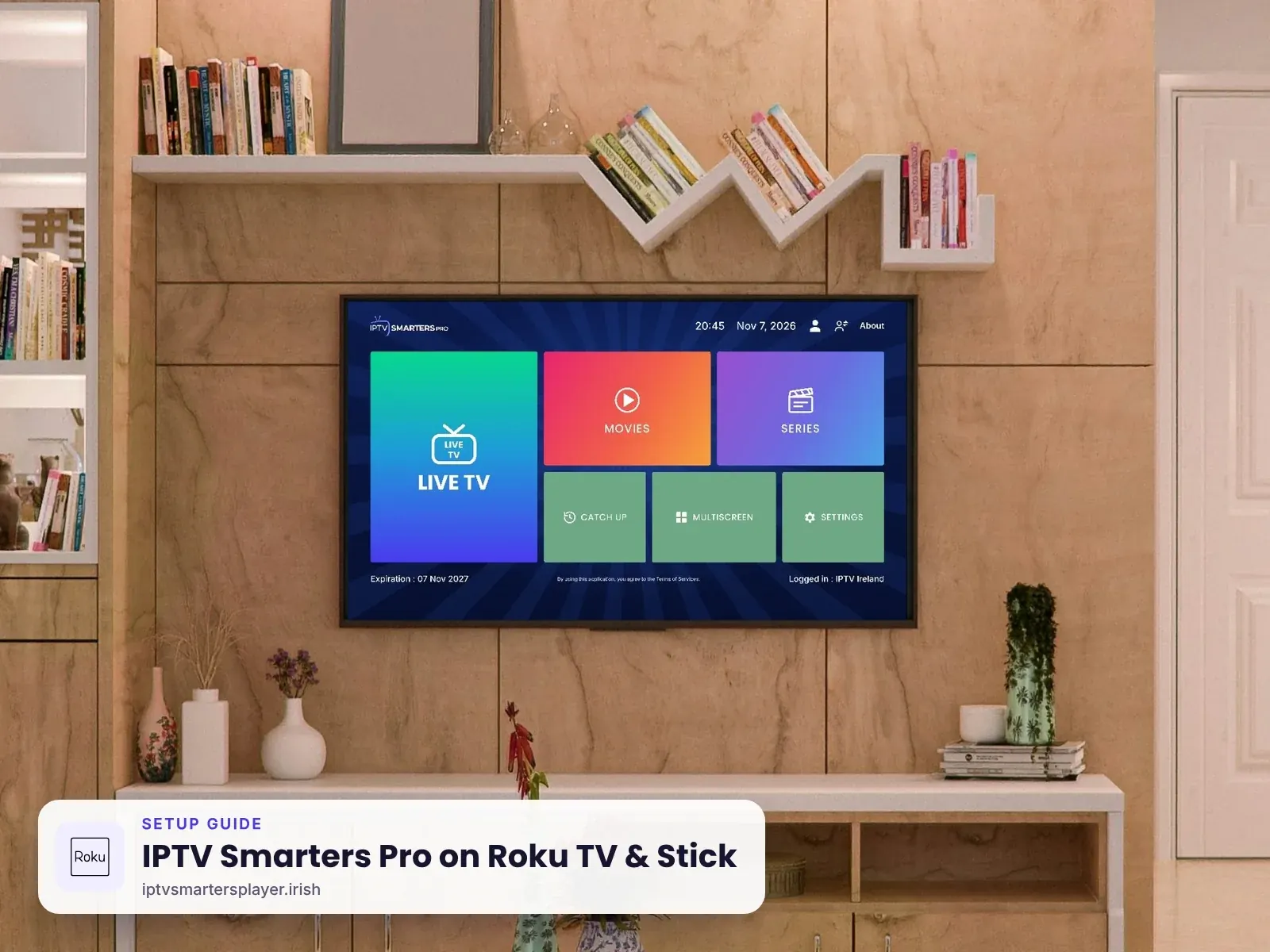
How to install the official IPTV Smarters Player for Roku TV and Roku Streaming Stick using developer mode, then log in with your IPTV Ireland details. Takes about 10 minutes.
Before you start
What you need
A laptop or PC on the same Wi-Fi as your Roku, with a web browser.
The official IPTV Smarters Player for Roku. We send it on WhatsApp.
From your plan or a free 24-hour trial.
Part 1
Turn on developer mode
This lets your Roku install the official side-loaded app.
Press the code
On the Roku remote press Home 3 times, Up 2 times, then Right, Left, Right, Left, Right.
Home ×3Up ×2RightLeftRightLeftRightNote the IP address
The Developer Settings screen shows an address like http://192.168.1.25. Write it down.
Enable the installer
Select Enable installer and restart, agree to the licence and choose a password. Your Roku restarts.
Part 2
Install the app from your computer
Use any web browser on the same Wi-Fi.
Open the Roku page
Type the Roku IP address into your browser. Log in with the username rokudev and the password you set.
UsernamerokudevUpload the app
Select Upload, choose the IPTV Smarters Player for Roku file we sent you, then select Install.
It opens on the TV
The app starts on your Roku a few seconds later.
Part 3
Log in and watch
Same login details as every other device.
Add your login
Choose Login with Xtream Codes API. Enter any name (for example IPTV Ireland), then the username, password and server URL we send you.
Any nameIPTV IrelandUsernamesent by usPassword••••••••Server URLhttp://… sent by usWatch
Select Add User and browse live TV, movies and series.
Tips
Get the best picture on Roku TV & Stick
One side-loaded app
Roku allows one side-loaded app at a time. Installing another replaces it.
Keep the file
Save the app file. After a Roku reset you upload it again in two minutes.
Use a cable on Roku TV
Roku TVs with an Ethernet port give the steadiest picture.
Need it simpler?
A Firestick plugged into the Roku TV is the easiest alternative.
Quick fixes
Problems on Roku TV & Stick? Try these
Developer screen does not open
Press the code slowly from the home screen. Every press counts.
Browser cannot reach the Roku
Check the computer and Roku are on the same Wi-Fi and the IP address is typed exactly.
"Install failed"
Upload the file again without unzipping it. Message us for a fresh copy.
App disappeared
A Roku update or reset can remove side-loaded apps. Upload the file again.
Still stuck? Send us a photo of your screen on WhatsApp and we fix it with you, day or night.
FAQ
IPTV Smarters Pro on Roku TV & Stick: questions
Is there IPTV Smarters for Roku?
Yes. The developer provides an official IPTV Smarters Player for Roku that you install by side-loading. It is not in the Roku Channel Store.
Is side-loading on Roku safe?
Yes. It uses Roku's own developer mode. Only install the official file we send you.
Do I need a computer?
Yes, once, to upload the app file to your Roku from a web browser.
Will it stay installed?
Yes, until you reset the Roku or install another side-loaded app. You can upload it again at any time.
Can I use my Roku login on another TV?
No. One login works on one device. Each device needs its own login.
Other devices
More IPTV Smarters Pro setup guides
 Firestick & Fire TV
 Samsung & LG Smart TV
 Android & TV boxes
 iPhone, iPad & Apple TV
 Windows & Mac
No login yet? Start with a free trial
Up to 24 hours on Roku TV & Stick, login on WhatsApp in minutes, and free setup help.