Windows 10 or 11 PC or laptop, or a Mac (Intel or Apple Silicon).
IPTV Smarters Pro for Windows & Mac
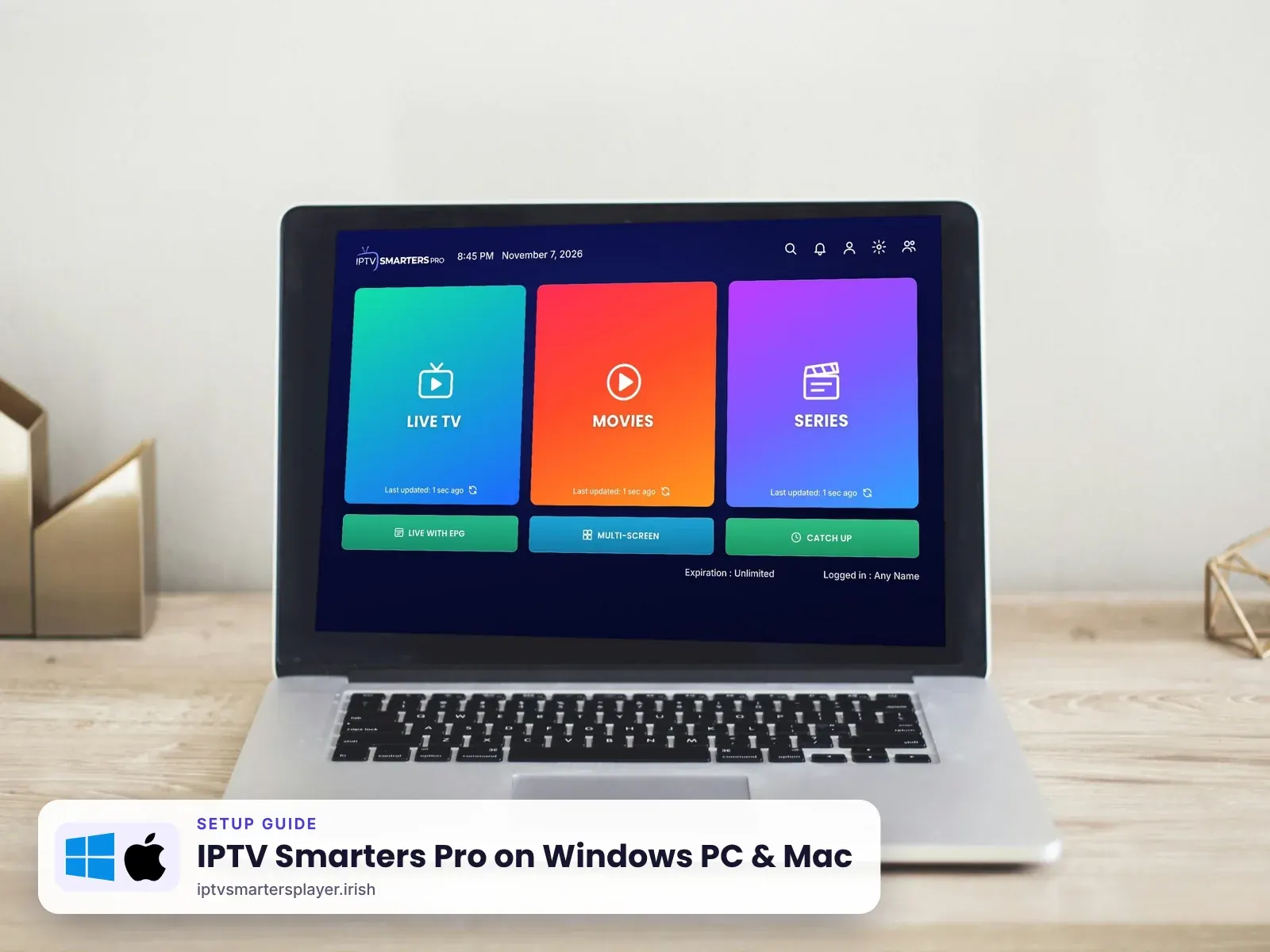
Download and set up IPTV Smarters Pro on a Windows 10 or 11 PC or laptop, or a Mac with macOS, and watch IPTV in Ireland on your computer.
Before you start
What you need
Wi-Fi or a cable. 4K needs 25 Mbps or more.
From the developer's official website.
From your plan or a free 24-hour trial.
Windows
Windows PC & laptop
Windows 10 and Windows 11.
Download
Go to the developer's website and download IPTV Smarters Pro for Windows.
Install
Open the downloaded file and follow the installer. If Windows asks about the firewall, choose Allow.
Log in
Choose Login with Xtream Codes API. Enter any name (for example IPTV Ireland), then the username, password and server URL we send you.
Any nameIPTV IrelandUsernamesent by usPassword••••••••Server URLhttp://… sent by usWatch
Click Add User. Double-click the player for full screen.
Mac
Mac · iMac & MacBook
macOS on Intel and Apple Silicon (M1 to M4).
Download
Go to the developer's website and download IPTV Smarters Pro for macOS.
Install
Open the .dmg file and drag the app into Applications.
First open
Right-click the app and choose Open the first time to get past the security prompt.
Log in
Choose Login with Xtream Codes API. Enter any name (for example IPTV Ireland), then the username, password and server URL we send you.
Any nameIPTV IrelandUsernamesent by usPassword••••••••Server URLhttp://… sent by us
Tips
Get the best picture on Windows & Mac
Use a cable for 4K
Laptops on a cable or 5 GHz Wi-Fi play 4K without stutter.
Plug in the charger
Battery saver can slow playback on laptops.
Watch on the TV
Connect the laptop to the TV with HDMI, or AirPlay from a Mac.
Keyboard shortcuts
Use the arrow keys to change channels and F for full screen in the player.
Quick fixes
Problems on Windows & Mac? Try these
Windows blocks the installer
Choose More info, then Run anyway. Only use the developer's official file.
Mac says the app is damaged
Right-click and choose Open, or allow it in System Settings > Privacy & Security.
Black screen when playing
Change the player in the app settings and update your graphics drivers.
"Invalid login"
Check the server URL includes http:// and the port, and the username capitals.
Still stuck? Send us a photo of your screen on WhatsApp and we fix it with you, day or night.
FAQ
IPTV Smarters Pro on Windows & Mac: questions
Is there IPTV Smarters Pro for Windows?
Yes. The developer offers a free desktop app for Windows 10 and 11.
Does IPTV Smarters Pro work on Mac?
Yes, on Intel and Apple Silicon Macs. Download it from the developer's website.
Can I watch on a laptop in Ireland and abroad?
Yes. The app works anywhere with a good internet connection.
Can I put it on my TV from the laptop?
Yes. Use an HDMI cable, or AirPlay from a Mac to an Apple TV.
Can I use my login on the laptop and the TV?
No. One login works on one device. Each device needs its own login.
Other devices
More IPTV Smarters Pro setup guides
 Firestick & Fire TV
 Samsung & LG Smart TV
 Android & TV boxes
 iPhone, iPad & Apple TV
 Roku TV & Stick
No login yet? Start with a free trial
Up to 24 hours on Windows & Mac, login on WhatsApp in minutes, and free setup help.