iPhone, iPad or Apple TV (4K or HD).
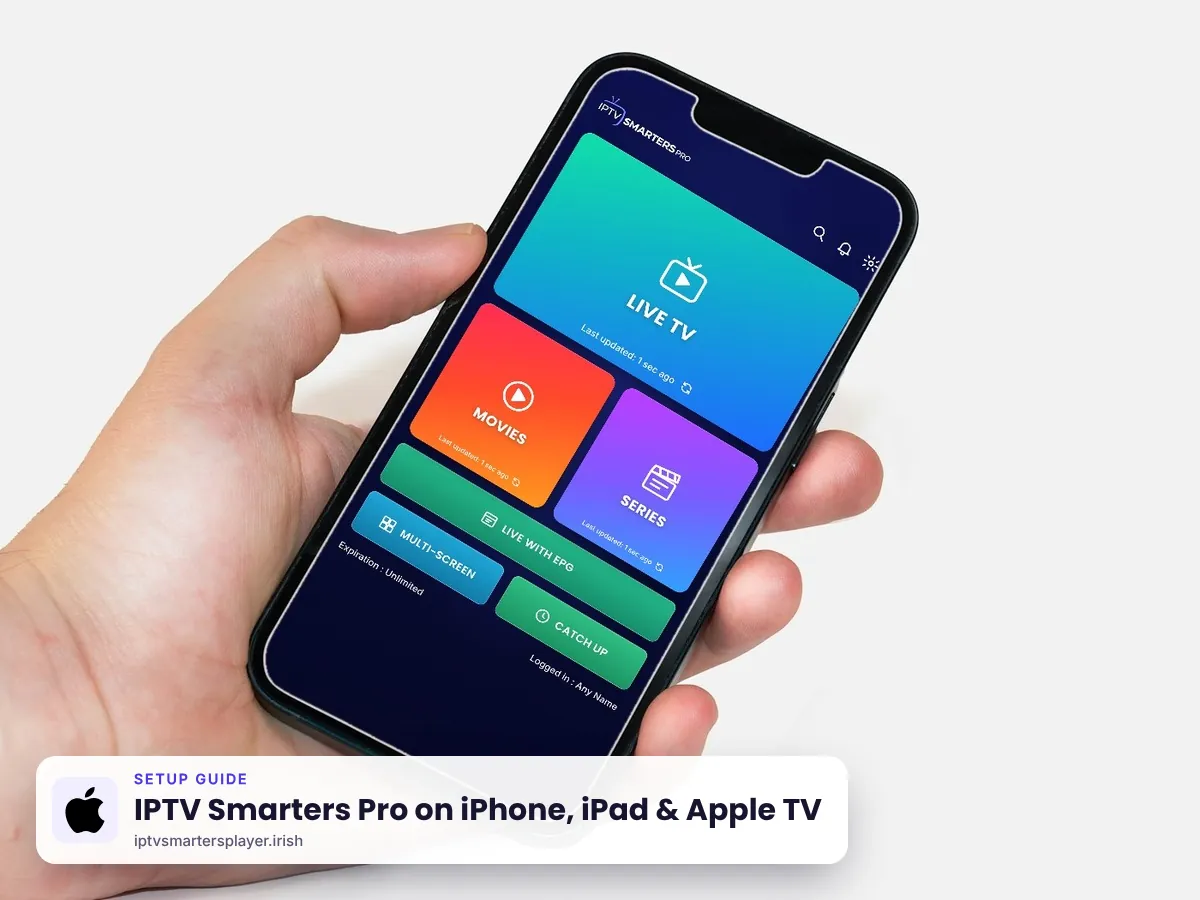
IPTV Smarters Pro on iPhone, iPad & Apple TV
How to install the official Smarters Player Lite from the App Store on iPhone, iPad and Apple TV, log in with your IPTV Ireland details and AirPlay to your TV.
Before you start
What you need
Wi-Fi is best. 4K needs 25 Mbps or more.
On Apple devices the official app is called Smarters Player Lite.
From your plan or a free 24-hour trial.
iPhone & iPad
iPhone and iPad
Works on current iPhone and iPad models.
Open the App Store
Search Smarters Player Lite. Check the developer name before you install.
Install
Tap Get, then open the app and accept the terms.
Log in
Choose Login with Xtream Codes API. Enter any name (for example IPTV Ireland), then the username, password and server URL we send you.
Any nameIPTV IrelandUsernamesent by usPassword••••••••Server URLhttp://… sent by usWatch
Tap Add User and wait for your playlist to load.
Apple TV
Apple TV 4K and HD
Uses the same Smarters Player Lite app.
Open the App Store on Apple TV
Search Smarters Player Lite and select Get.
Log in
Choose Login with Xtream Codes API. Enter any name (for example IPTV Ireland), then the username, password and server URL we send you. Your iPhone can act as the keyboard.
Any nameIPTV IrelandUsernamesent by usPassword••••••••Server URLhttp://… sent by usWatch
Browse Live TV, Movies and Series with the Siri Remote.
AirPlay
Send it to your TV with AirPlay
Watch from your iPhone on a big screen.
Connect to the same Wi-Fi
Your iPhone and your Apple TV or AirPlay TV must be on the same network.
Start AirPlay
Play a channel, tap the AirPlay icon in the player and choose your TV.
Tips
Get the best picture on iPhone, iPad & Apple TV
Check the developer
The App Store has copycat apps with similar names. Use the link on this page.
Use Apple TV 4K on a cable
A wired connection gives the steadiest 4K sport.
Lock rotation off
Full screen works when rotation lock is off in Control Centre.
Keep iOS updated
Updates keep the app and AirPlay working smoothly.
Quick fixes
Problems on iPhone, iPad & Apple TV? Try these
Cannot find the app
Search Smarters Player Lite, not IPTV Smarters Pro, on Apple devices.
"Invalid login"
Check the server URL includes http:// and the port, and the username capitals.
AirPlay shows no picture
Restart both devices and check they are on the same Wi-Fi.
App asks to subscribe in the app
You do not need an in-app purchase to use our login. Message us if unsure.
Still stuck? Send us a photo of your screen on WhatsApp and we fix it with you, day or night.
FAQ
IPTV Smarters Pro on iPhone, iPad & Apple TV: questions
Is IPTV Smarters Pro available on iPhone?
Yes. On iPhone and iPad the official app is Smarters Player Lite on the App Store. It works with our login.
Does it work on Apple TV?
Yes. Search Smarters Player Lite in the App Store on Apple TV 4K or HD.
Can I AirPlay IPTV to my TV?
Yes. Use the AirPlay icon in the player to send the picture to an Apple TV or AirPlay TV.
Why is it called Smarters Player Lite?
That is the name of the official player on the App Store. It works the same way with Xtream Codes.
Can I use my login on iPhone and Apple TV?
No. One login works on one device. Each device needs its own login.
Other devices
More IPTV Smarters Pro setup guides
 Firestick & Fire TV
 Samsung & LG Smart TV
 Android & TV boxes
 Roku TV & Stick
 Windows & Mac
No login yet? Start with a free trial
Up to 24 hours on iPhone, iPad & Apple TV, login on WhatsApp in minutes, and free setup help.