Samsung (Tizen), LG (webOS) or an Android / Google TV.
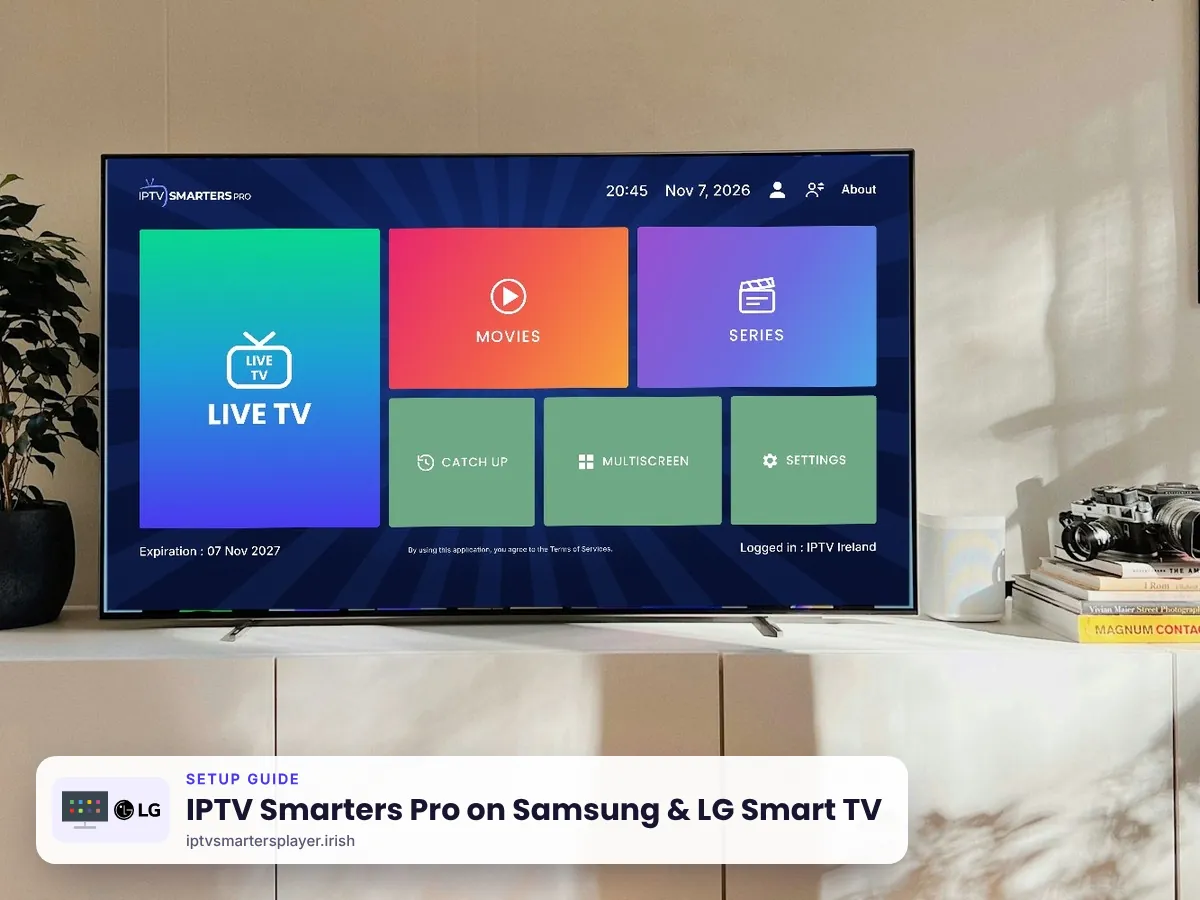
IPTV Smarters Pro on Smart TV: Samsung, LG & Android TV
How to set up IPTV Smarters Pro on a Samsung, LG, Sony, Philips, TCL or Hisense smart TV in Ireland, and what to do if your TV has no app.
Before you start
What you need
A cable or 5 GHz Wi-Fi. 25 Mbps or more for 4K.
Or the TV maker's phone app as a keyboard.
From your plan or a free 24-hour trial.
Samsung
Samsung Smart TV (Tizen)
Most Samsung TVs from 2018 onwards.
Open Apps
Press Home on the remote and open Apps.
Home›Apps›SearchInstall IPTV Smarters Pro
Search IPTV Smarters, check the developer is WHMCS Smarters and choose Install. If it is not listed, use the official USB package at getiptvsmarters.com/samsung-tv-usb-installation.
First start
Open the app. Some TV versions show an activation screen the first time. If you see one, message us and we will guide you.
Log in
Choose Login with Xtream Codes API. Enter any name (for example IPTV Ireland), then the username, password and server URL we send you.
Any nameIPTV IrelandUsernamesent by usPassword••••••••Server URLhttp://… sent by us
LG
LG Smart TV (webOS)
Most LG TVs from 2018 onwards.
Open the LG Content Store
Press Home and open Apps (LG Content Store).
Home›Apps›SearchInstall IPTV Smarters Player
Search IPTV Smarters Player and choose Install. On LG the official app uses this name.
First start
Open the app. If an activation screen appears, message us and we will guide you.
Log in
Choose Login with Xtream Codes API. Enter any name (for example IPTV Ireland), then the username, password and server URL we send you.
Any nameIPTV IrelandUsernamesent by usPassword••••••••Server URLhttp://… sent by us
Android TV
Sony, Philips, TCL & Hisense Android TV
Any TV running Android TV or Google TV.
Install Downloader
Install the free Downloader app and allow it to install unknown apps.
Install IPTV Smarters Pro
In Downloader, type the code 4622618, then choose Install.
URL4622618Log in
Choose Login with Xtream Codes API. Enter any name (for example IPTV Ireland), then the username, password and server URL we send you.
Any nameIPTV IrelandUsernamesent by usPassword••••••••Server URLhttp://… sent by usWatch
Select Add User and use the TV guide to pick a channel.
No app on your TV?
Turn any TV into an IPTV Smarters Pro TV
Plug one of these into an HDMI port and follow its guide.
 Amazon Firestick
 Android TV box
 Apple TV
 Roku
Tips
Get the best picture on Samsung & LG Smart TV
Use a network cable
Smart TVs have weaker Wi-Fi than phones. A cable gives a steadier picture.
Turn off motion smoothing
Called Auto Motion Plus or TruMotion. Sport looks more natural with it off.
Update the TV
Install the latest TV software from the TV settings menu.
Phone as a keyboard
Samsung SmartThings and LG ThinQ apps make typing your login easier.
Quick fixes
Problems on Samsung & LG Smart TV? Try these
App not in my TV store
Some older or budget models do not list it. Use a Firestick or Android TV box on HDMI instead.
Activation screen appears
Message us on WhatsApp with a photo of the screen and we guide you through it.
Picture keeps buffering
Use a cable, restart the router and change the stream format in the app settings.
App runs slowly
Older TVs have little memory. Close other apps or use a streaming stick.
Still stuck? Send us a photo of your screen on WhatsApp and we fix it with you, day or night.
FAQ
IPTV Smarters Pro on Samsung & LG Smart TV: questions
Can I get IPTV Smarters Pro on a Samsung Smart TV?
Yes, on most Samsung TVs from 2018 onwards. Search IPTV Smarters Pro in Apps. If your model does not list it, a Firestick is the easiest option.
Does IPTV Smarters Pro work on LG TV?
Yes. Search IPTV Smarters Pro in the LG Content Store on most LG webOS TVs.
Why does my TV ask for activation?
Some TV versions of the app ask for activation the first time. Message us and we will guide you.
What if my smart TV has no app?
Plug in a Firestick, Android TV box, Apple TV or Roku and follow the guide for that device.
Can I use the same login on my TV and phone?
No. One login works on one device. Each device needs its own login.
Other devices
More IPTV Smarters Pro setup guides
 Windows & Mac
No login yet? Start with a free trial
Up to 24 hours on Samsung & LG Smart TV, login on WhatsApp in minutes, and free setup help.